How to Compress a PDF for Email Without Uploading It
PDF too large to email? Shrink the photos and scans inside it in your browser, pick the right level, and see Gmail and Outlook size limits. Free.
Hosting this holiday season? Put your WiFi in a QR code: guests point their phone camera at it and join in one tap, with no spelling out a long password.
When guests arrive, the WiFi question comes right after the coats: "What's the password?" Then someone reads out a string of letters and numbers while three people type it wrong. A WiFi QR code skips all of that. Guests point their phone camera at it, tap once, and they're on your network. You can make one in about a minute, print it on a small card and leave it where people will see it.
A WiFi QR code isn't a link to a website. It holds three things in a standard format that phones understand: your network's name, its password and its security type. When a phone reads it, the phone offers to join that network, so nobody has to type anything.
Because the details are stored in the code itself, it doesn't expire and doesn't depend on any service staying online. It keeps working until you change your network name or password. After that, you make a new one.
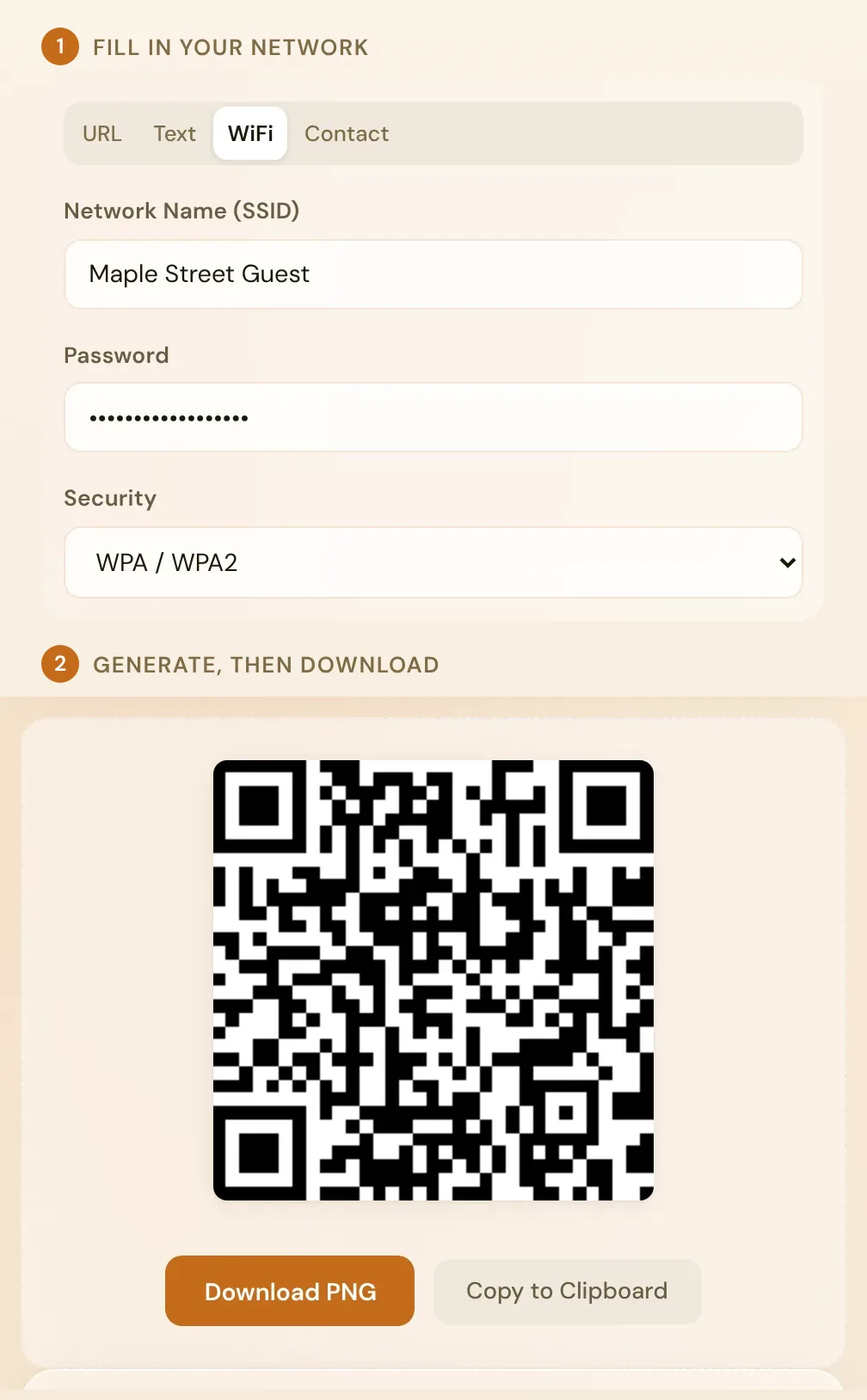
The code is built in your browser, so your WiFi password isn't sent to a server. Passwords with symbols are fine too. Characters such as ; : , " and \ have a special meaning inside WiFi QR codes, so the generator adds the escape characters the format requires, and guests' phones receive exactly the password you typed. Network names with accents or emoji work as well.
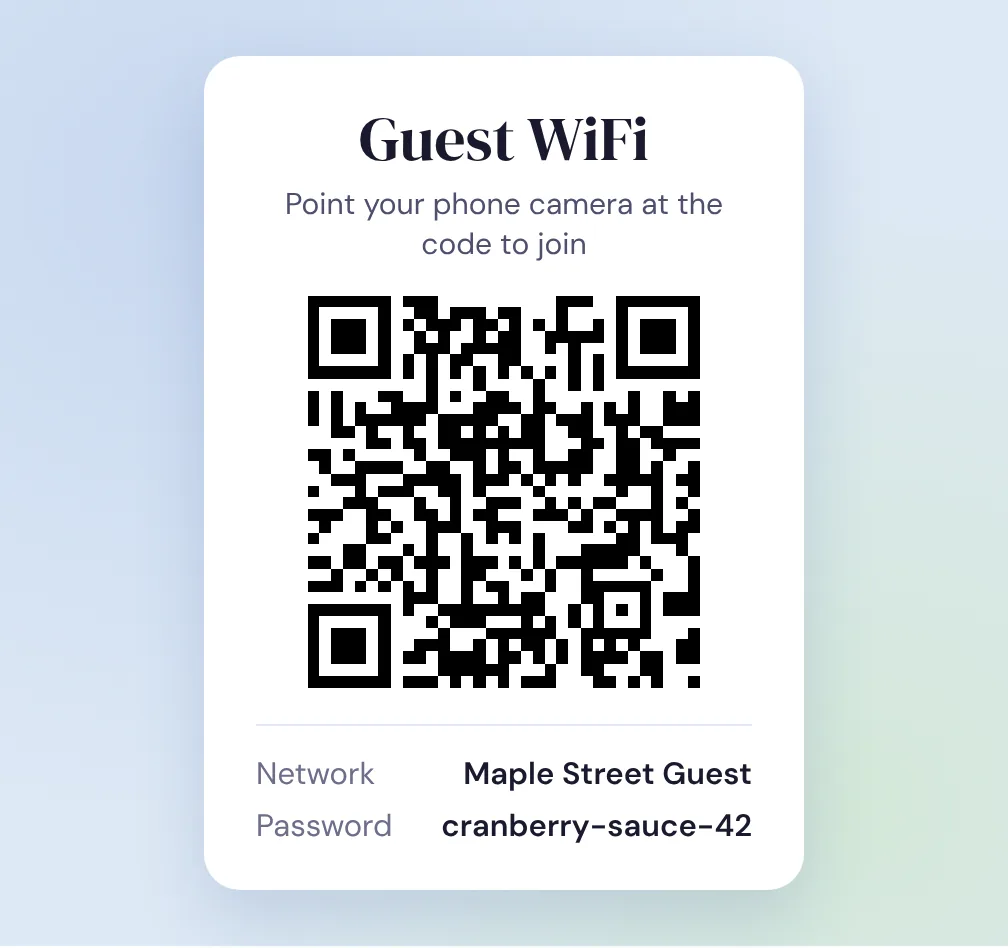
Open your phone's camera, point it at the code on your screen and check that it offers to join the right network. If there's an iPhone and an Android phone in the house, try both. It takes ten seconds and saves reprinting a stack of cards.
A printed card means you don't have to unlock your phone every time someone new arrives. A few details make it work better:
Want it to match your decorations? The QR code with logo tool puts a small image in the middle and checks that the code still scans before you download it.
Many routers can run a separate guest network alongside your main one. Turn it on in the router's app or settings page and make your QR code for that network instead. A guest network is meant to keep visitors away from the computers, printers and smart-home devices on your main network. When the holidays are over, you can change the guest password, or switch the network off, without reconnecting all of your own devices. Print a new card after any password change, because the old code still holds the old password.
| What happens | Likely cause | What to do |
|---|---|---|
| The phone offers to join, then fails | The password or security type doesn't match | Check the password character by character, and use WPA / WPA2 unless your router says otherwise. |
| The phone can't find the network | The name doesn't match exactly | Copy the name as your WiFi list shows it, including capitals and spaces. |
| The phone can't find a hidden network | The network doesn't broadcast its name | QR Vault's WiFi codes don't include the hidden-network setting. Use a network that shows up in the WiFi list, such as a guest network. |
| It worked last month but not now | The password changed | Make a new code with the current password. |
If a guest is standing next to you, your own phone can do the job. On Android, open Settings, then Network & internet, then Internet, tap your network and tap Share to show its QR code (Google's instructions; some steps need Android 12 or later). On an iPhone with iOS 18 or later, open the Passwords app, tap Wi-Fi, choose the network and tap Show Network QR Code (MacRumors). A printed card is still handier when people arrive in waves, or when you'd rather not pass your unlocked phone around.
No. The code stores your network name and password directly, so it keeps working until you change either of them. Then make a new code.
Anyone who scans the code, or reads the card, can join, so treat it like the password written down. A guest network keeps visitors off the network your own devices use, and QR Vault builds the code in your browser without uploading your password.
Yes. iPhones have offered to join networks from WiFi QR codes in the Camera app since iOS 11, and Android phones read the same format with the camera app or Google Lens.
That's fine. Characters like ; : , " and \ have a special meaning in WiFi QR codes, so the generator adds the escape characters the format needs. Network names with accents or emoji work too.
PDF too large to email? Shrink the photos and scans inside it in your browser, pick the right level, and see Gmail and Outlook size limits. Free.
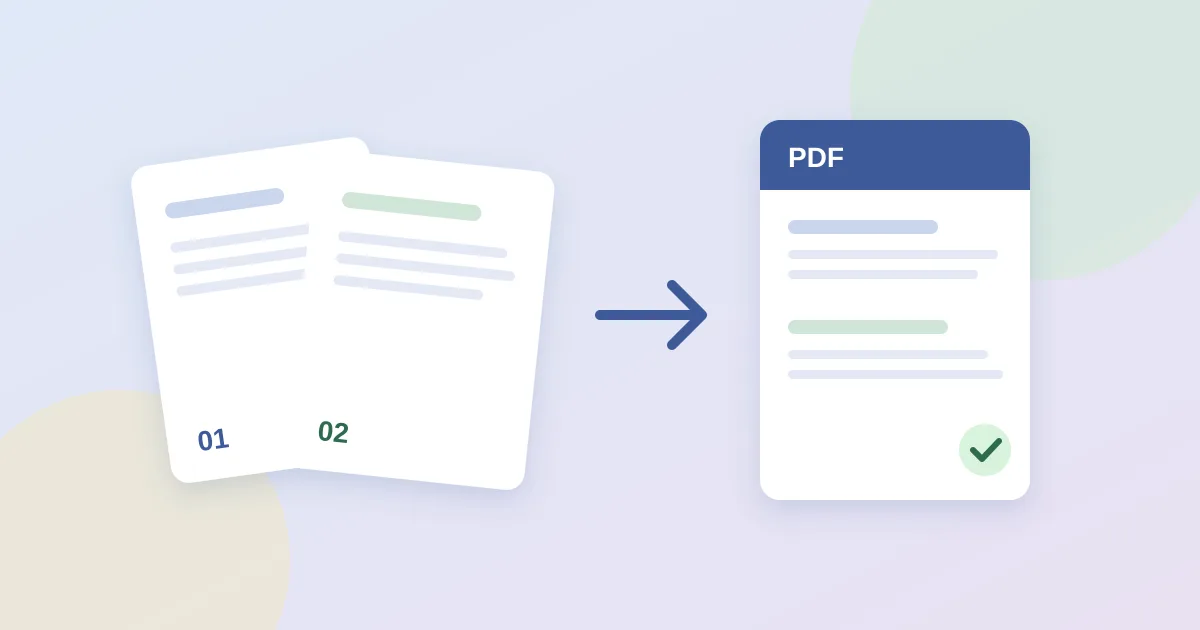
Combine PDFs on your own device in about a minute: no upload, no account. Step-by-step guide with page-order tips and fixes for merges that fail.