How to Merge PDF Files Without Uploading Them
Combine several PDFs into one file without sending them to anyone's server. Works on a computer or phone, takes about a minute, and is free.
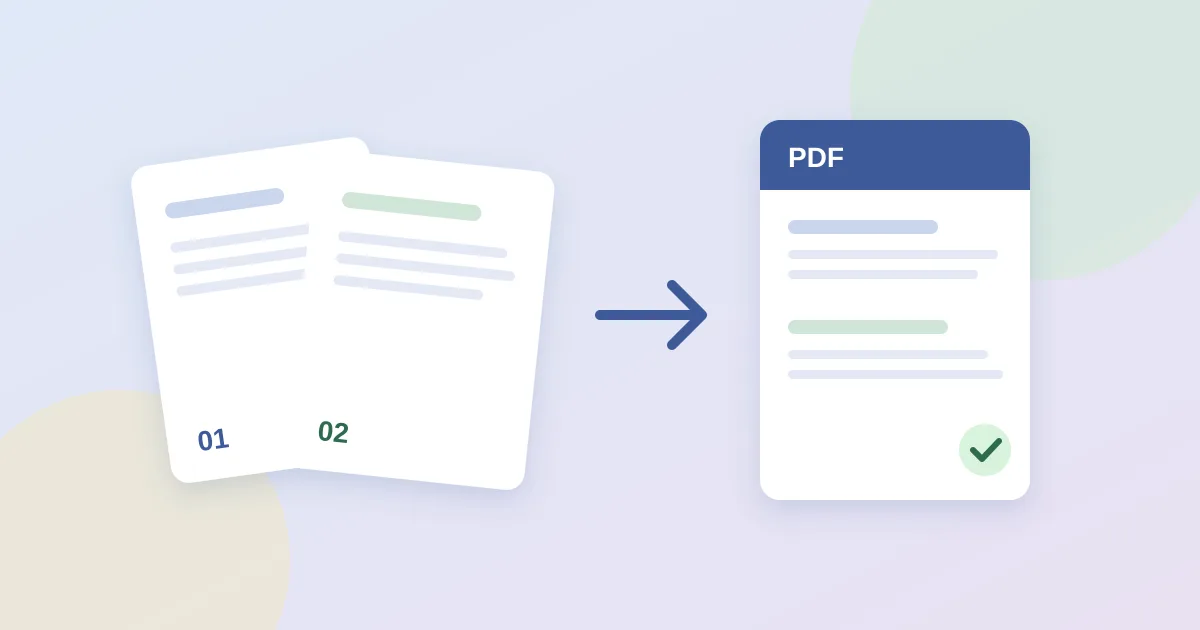
Most "free PDF merger" sites work the same way: you upload your files to someone else's server, wait, and download the result. That is fine for a flyer. It is not great for a lease, a medical form, a bank statement or a signed contract. The good news is that modern browsers can combine PDFs on your own device, so the files never leave your computer or phone.
This guide shows how to do that in about a minute, how to control page order, and what to do when a merge fails.
Why merging locally matters
- Privacy. If nothing is uploaded, there is no copy sitting on a third-party server, no retention policy to trust, and nothing to leak later.
- Speed. No upload or download wait. A few typical documents merge almost instantly, even on a slow connection.
- No account. Local tools have nothing to store, so they have no reason to ask for an email address.
How to tell if a tool is really local: open it, switch your device to airplane mode, then try the merge. If it still works, your files were not sent anywhere.
How to merge PDFs in your browser, step by step
- Name your files in the order you want. The merged PDF follows the order the files are selected in, and most file pickers sort by name. Prefix them like
01-cover.pdf,02-contract.pdf,03-appendix.pdfso the order is predictable. - Open the PDF Vault merge tool. It opens straight on the Merge tab.
- Select two or more PDFs. Tap Select PDFs to merge, or drag the files onto the drop area on a computer. The list underneath shows what will be combined.
- Click Merge and Download. Your browser builds a new PDF and saves it as
pocklit-merged.pdf. Rename it to something meaningful before you send it. - Check the result. Open the file and scroll through once to confirm the page order and that nothing is missing.
Fixing page order and extra pages
If the order came out wrong, rename the source files with number prefixes and merge again; it only takes a few seconds. If you need to drop a blank page or a cover sheet, open the merged file in the PDF Vault Editor, delete the pages you do not need, and export again. To pull out just a few pages instead, use Split PDF with a page range such as 1-3, 7.
When a merge fails
| What you see | Likely cause | What to do |
|---|---|---|
| "Select at least two PDF files" | Only one file was chosen | Select all files in one go (Ctrl/Cmd-click or Shift-click in the picker). |
| "Make sure every file is a valid PDF" | A file is password-protected, damaged, or not really a PDF | Open each file on its own. Remove the password in the app that created it, or re-save/print it to a new PDF, then merge again. |
| Browser slows down or tab reloads | Very large scans on a low-memory device | Merge in smaller batches, then merge those results together, or use a computer instead of a phone. |
| Some pages look blank or odd | Unusual fonts or form fields in the source | Print the problem file to PDF first ("Save as PDF"), then merge the new copy. |
Merging on a phone
The same steps work on iPhone and Android. Save the PDFs to Files (iOS) or your Downloads folder (Android) first, then select them from the picker. On iPhone, the merged file usually lands in Downloads inside the Files app.
Quick checklist before you send a merged PDF
- Page order is correct and nothing is duplicated.
- Signatures and form fields still show up.
- The file has a clear name, e.g.
2026-lease-application-smith.pdf. - The size is under the recipient's email or upload limit (often 10–25 MB).
Frequently asked questions
Is it safe to merge PDFs online?
It depends on where the work happens. Many sites upload your files to their servers. Browser-based tools like PDF Vault merge the files on your device, so nothing is uploaded.
Can I merge password-protected PDFs?
Not directly. Remove the password in the app that created the file, or re-save it as a new PDF, and then merge it.
How do I change the order of merged pages?
Files are combined in the order they are selected. Rename them with number prefixes such as 01-, 02-, 03- and select them again.